Polycam Floor Plan Editor Landing Page
Disciplines
Brand
Content Strategy
Webflow
Visual Design
UX
Company
Polycam
Role
Senior Brand Designer
Outcome
An easy sell
Polycam's Floor Plan feature was getting a major upgrade — customers could now edit their floor plans directly, improving accuracy and unlocking new utility. I proposed redesigning the landing page as part of the marketing launch plan to capitalize on that value. We already had an SEO audit in hand, which made it an easy sell. I led the redesign from strategy through launch, working across SEO, product, and marketing on copy, visuals, and motion.
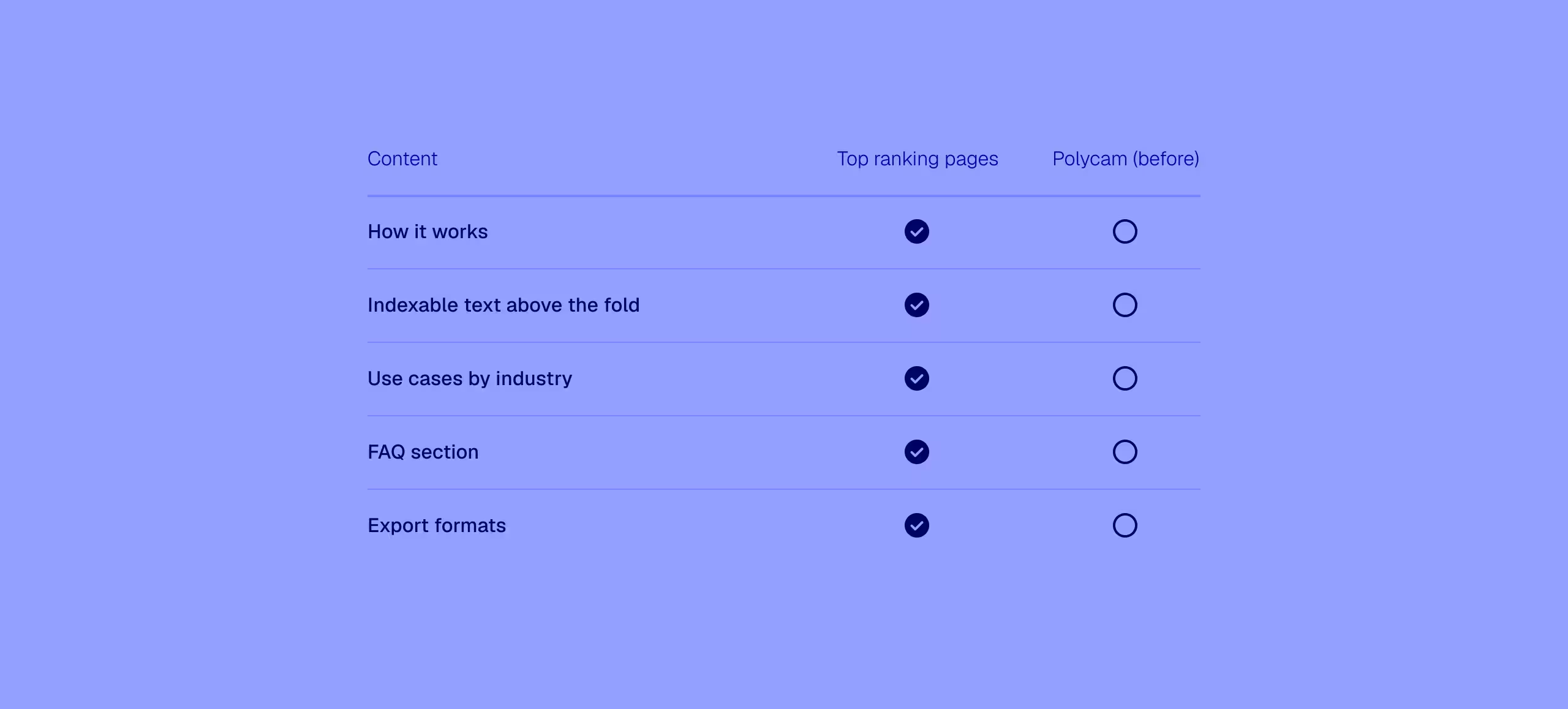
Losing visibility, despite good numbers
The page was already driving signups and conversions, but it was losing search visibility to competitors. In addition to the SEO report, we completed a competitive audit. These findings drove the brief's requirements — and the page design unfolded from there.
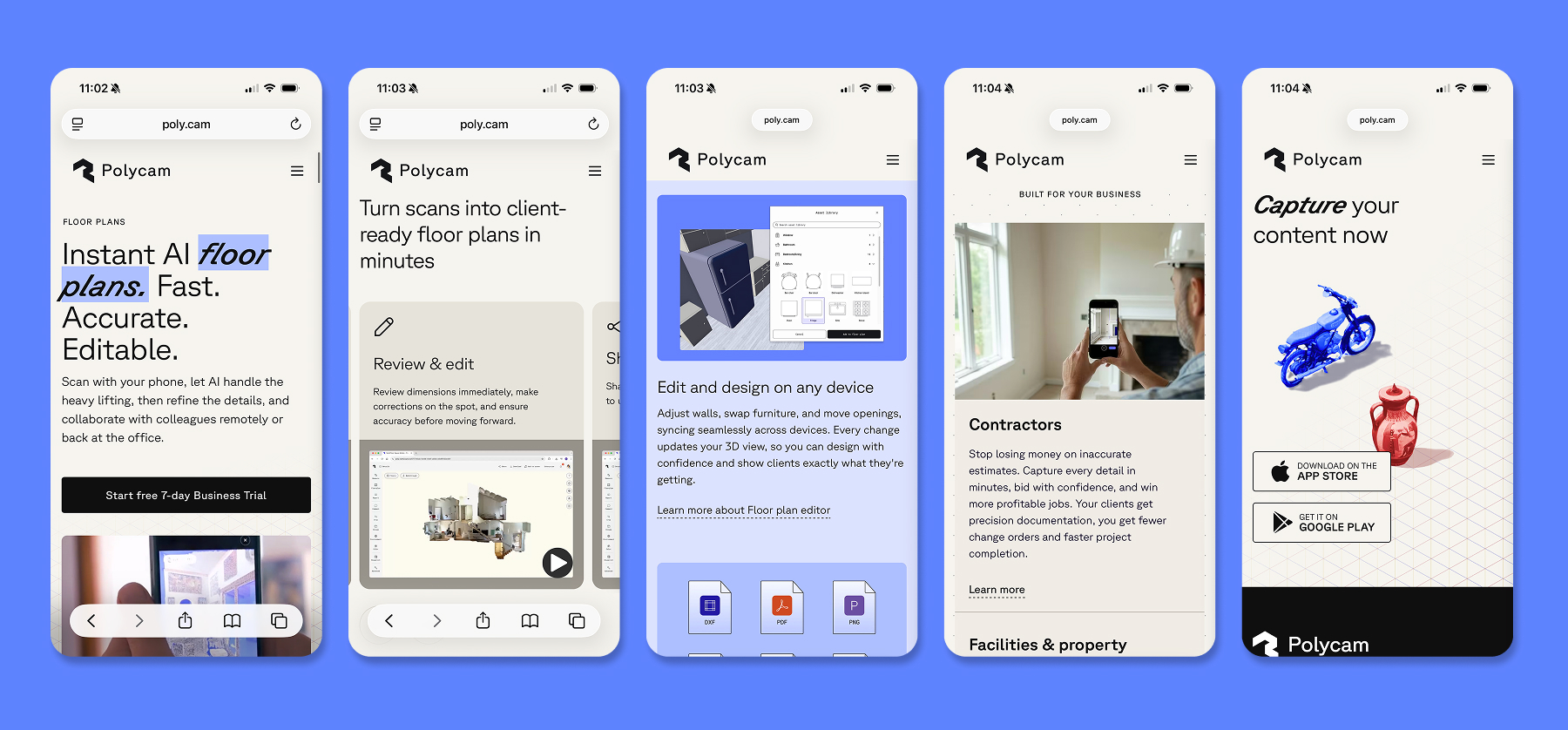
Closing the 'how it works' gap
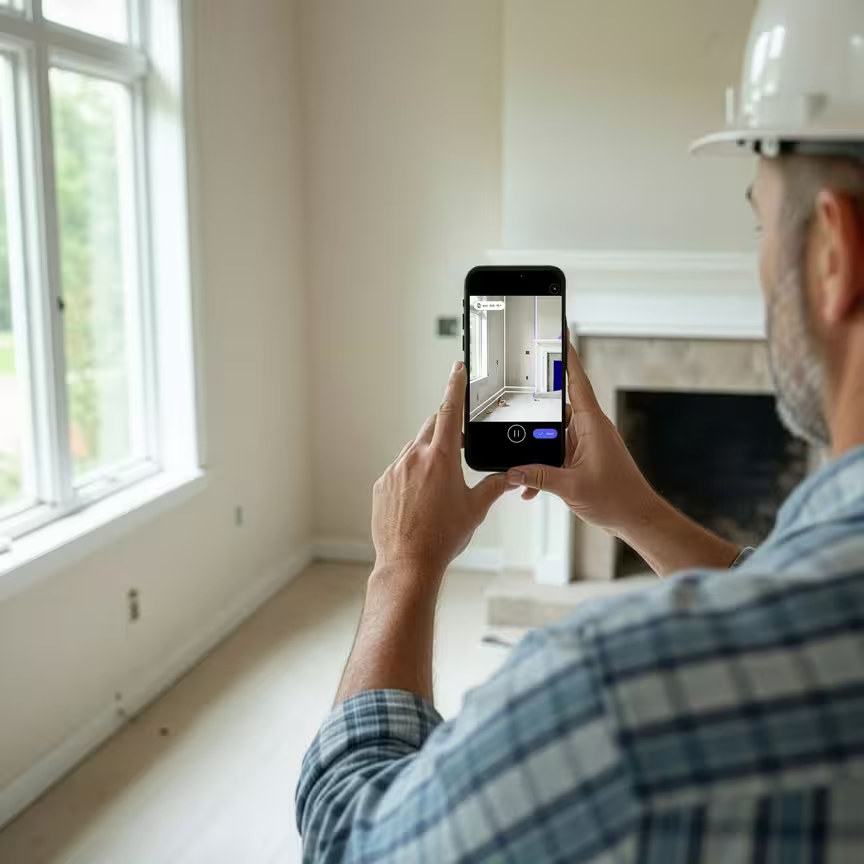
A structured "how it works" section was one of the clearest gaps in the audit — so we built one around four short looping videos: Capture, AI Generation, Review & Edit, and Share. For the Capture video I produced, filmed, and edited the piece myself, compositing a screen recording onto live footage of the scanning process. The remaining videos were screen captures, developed in collaboration with the Lead Product Designer.
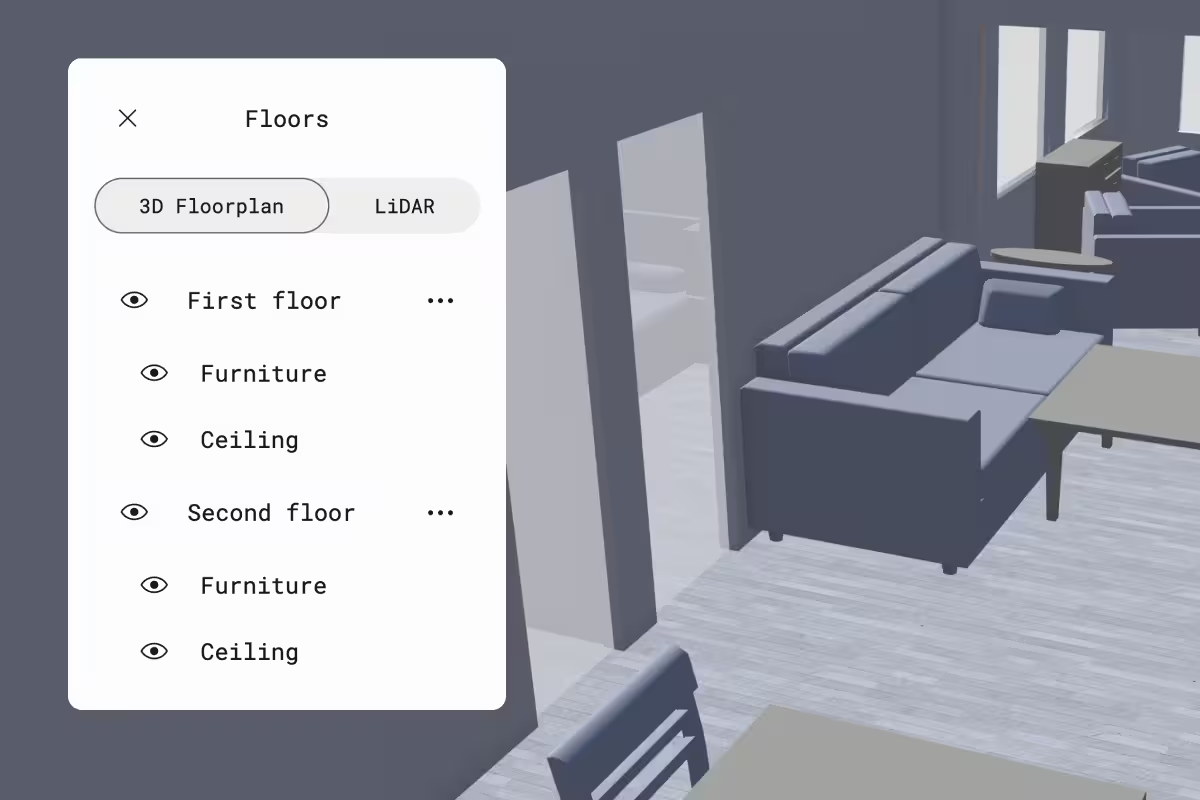
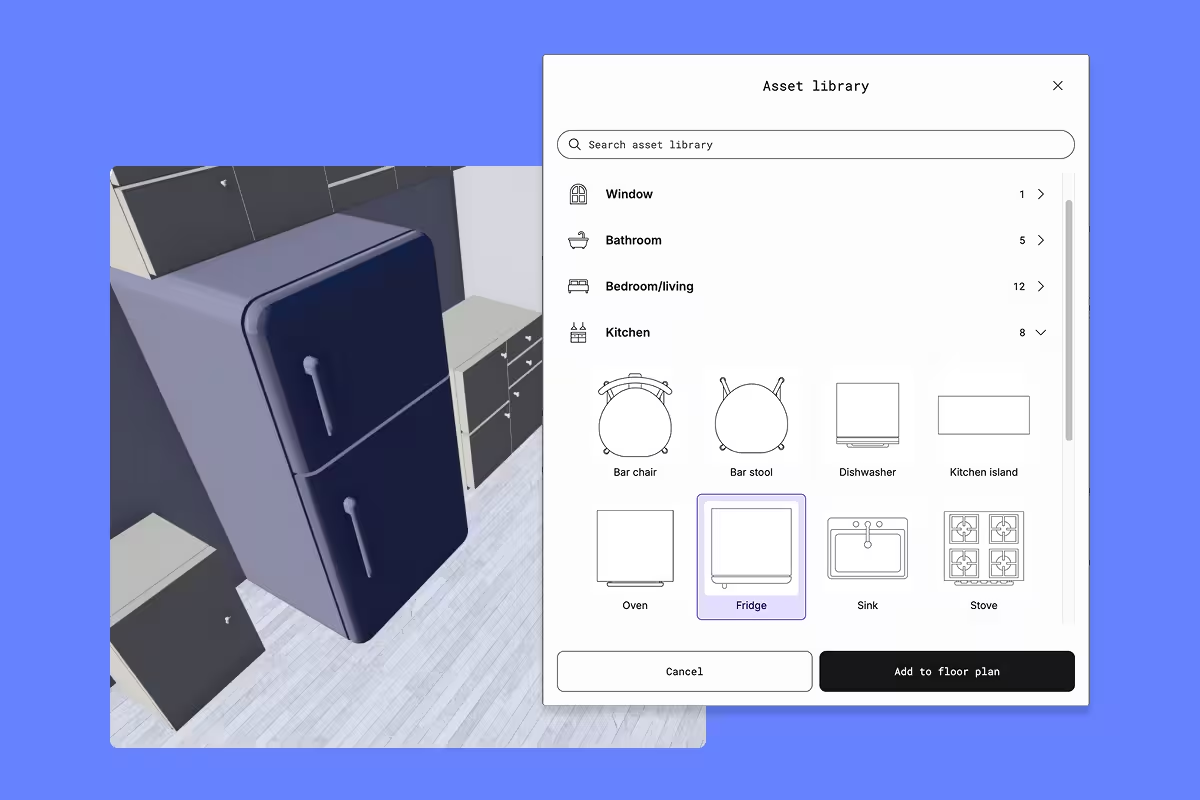
Product imagery that pulls its weight
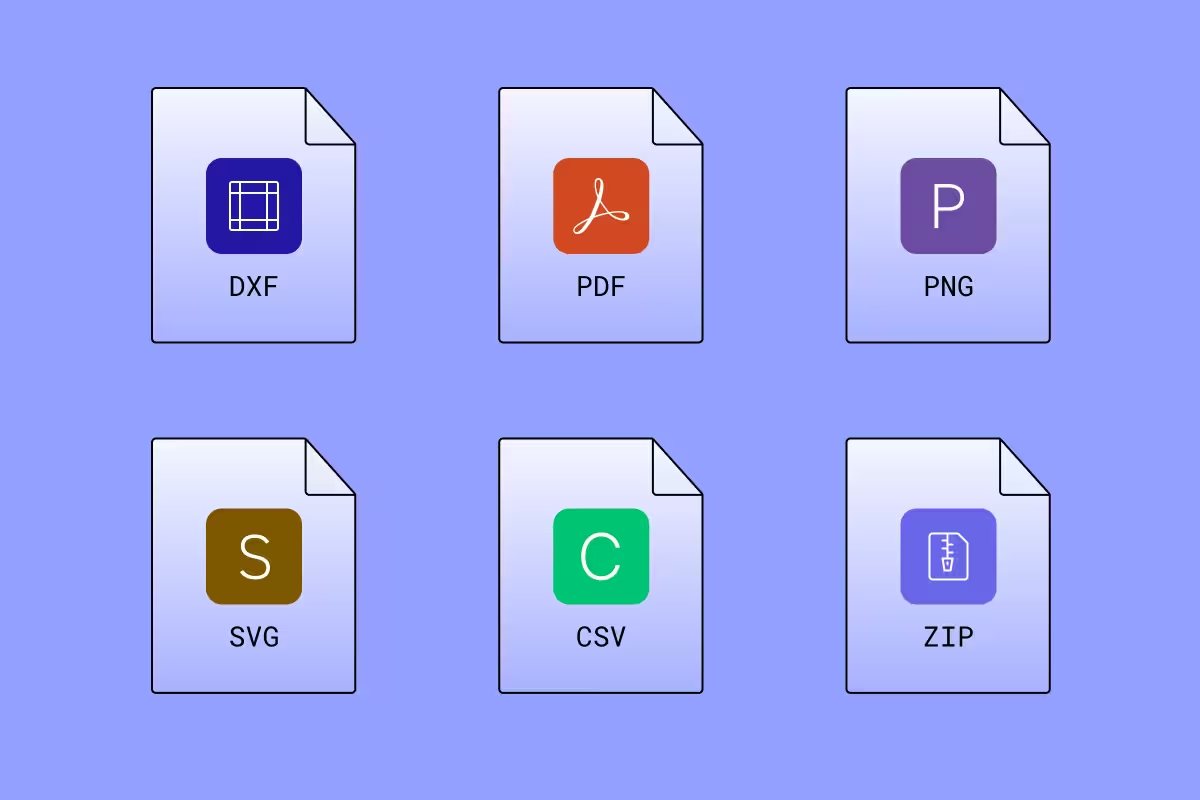
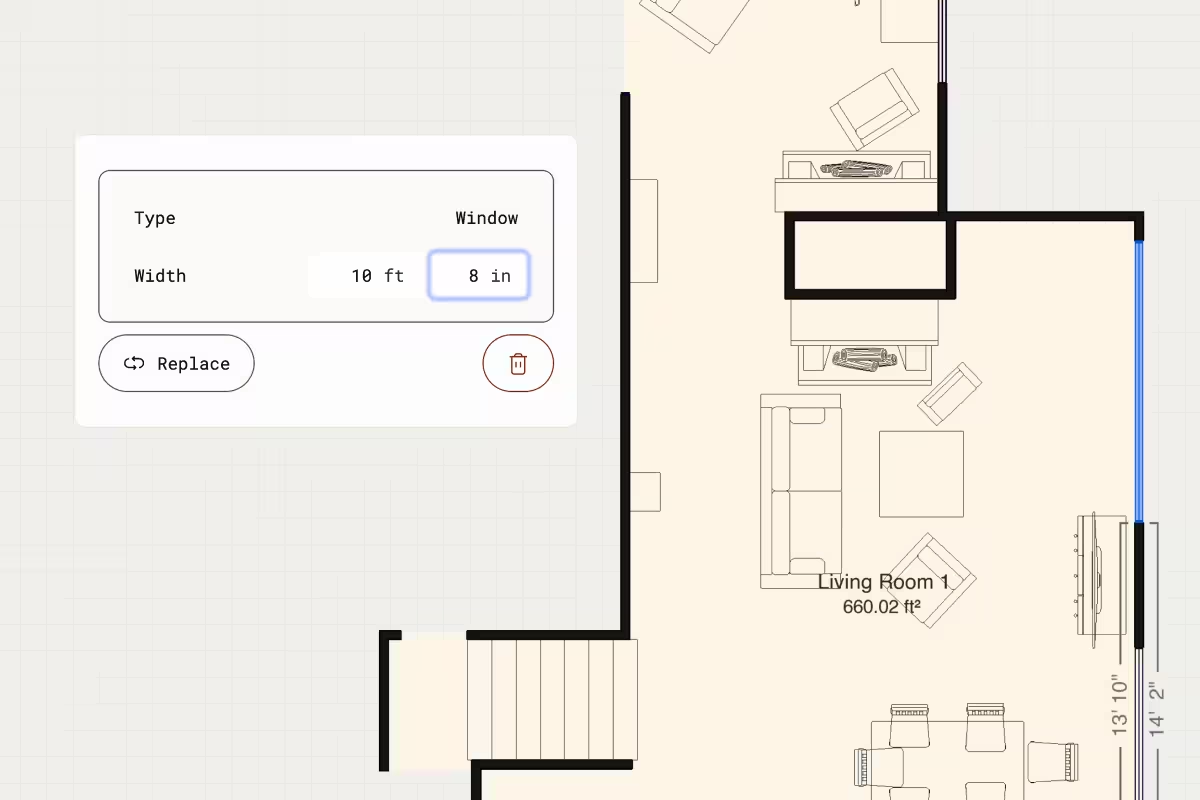
The original page leaned on generic product shots that weren't doing much work. I replaced them with images built to show specific benefits at a glance.
Borrowing proof that already worked
Social proof was a missing piece on the original page. I drew from a customer story campaign I'd worked on previously — folding existing content into the page was a natural fit for giving B2B decision makers a real-world example of Polycam in use.

Casting, styling, lighting — no shoot required
To help B2B decision makers picture Polycam in their workflow, I art directed a series of scene images representing key industry use cases. The images were generated using Figma Weave — a node-based AI platform. The process mirrors traditional photo shoot prep: casting, styling, lighting, and set all required deliberate creative decisions.



What worked, what I'd still test
The page structure was designed to be reusable — a template for future Polycam product pages, which was one of the original goals. If I could go back, I'd a/b test the "how it works" section against a simpler iconography treatment. Video communicates the product well, but icons might be more scannable at a glance and I'm curious whether that would move conversions.
The AI-generated scene images worked well. Figma Weave let us quickly produce a range of industry use cases in context — something traditional photography would have struggled to match within our timeline and budget. That said, using AI-generated images over real photography is a trade-off I'll always weigh carefully, especially when it comes to representing people.
This project captures the cross-functional work I did at Polycam — and the results made the case for what design-led thinking can do for a product launch.
Product lead: Lucy Yu
SEO: Michael Cahill & Ishan Shah
Marketing & positioning: Alicia Bruckman
Supporting campaign creative: Margaret Lindon, Craig Stucky